Shopping list
A menu in a loop: add, remove, list and count items. Teaches a list of text, append, remove, in and len.
Open in Tokbit Level: Intermediate. Free in the browser, nothing to install, no account needed.
Run the example in Tokbit and step through it: before each step say what will happen and check it in the Variables panel. Then change it your way.
Flowchart
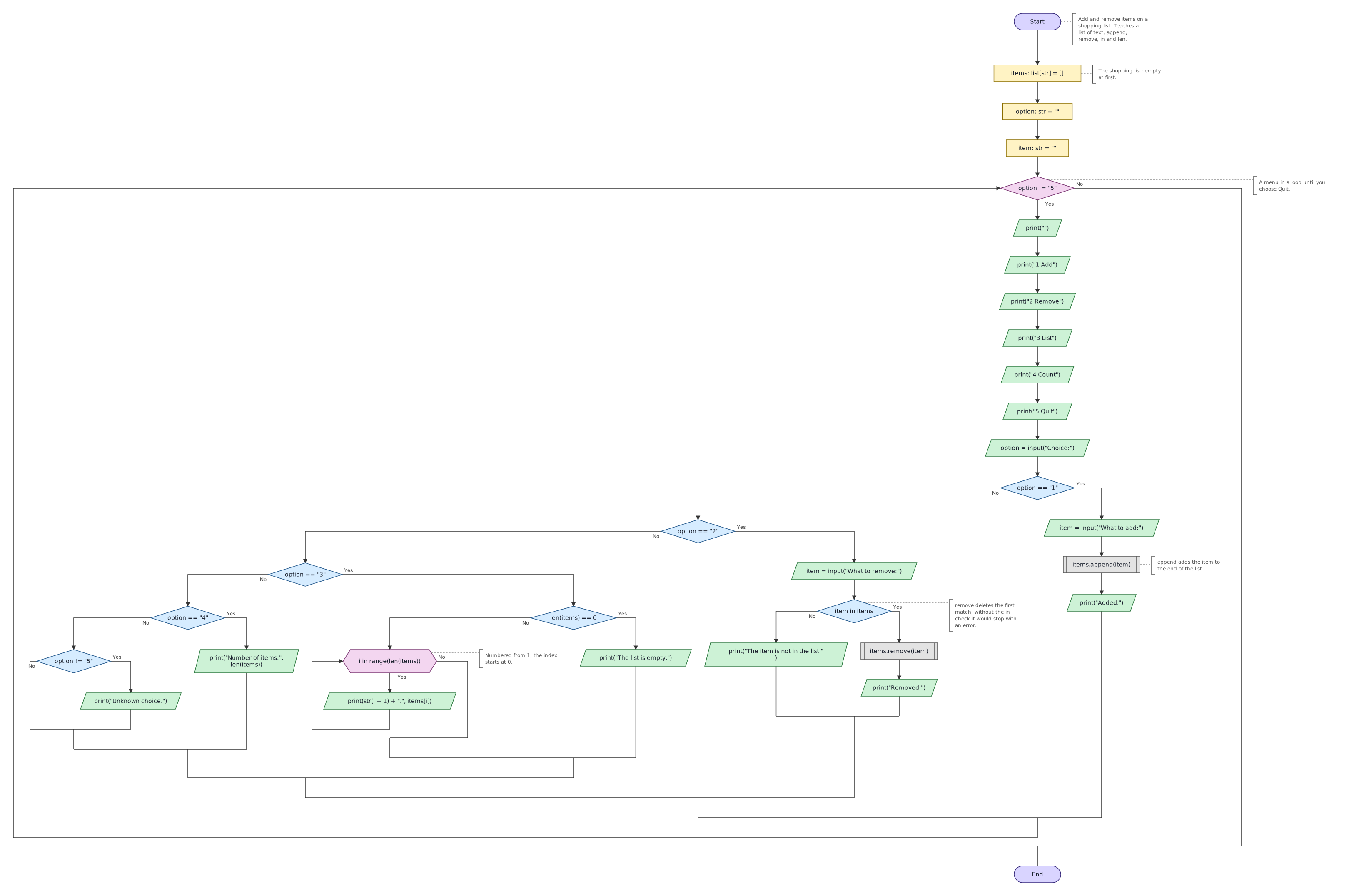
Python program
The same program as Python code. In Tokbit you see it when you switch from Diagram to Python above the flowchart.
"""Add and remove items on a shopping list. Teaches a list of text, append, remove, in and len."""
# The shopping list: empty at first.
items: list[str] = []
option: str = ""
item: str = ""
# A menu in a loop until you choose Quit.
while option != "5":
    print("")
    print("1 Add")
    print("2 Remove")
    print("3 List")
    print("4 Count")
    print("5 Quit")
    option = input("Choice:")
    if option == "1":
        item = input("What to add:")
        # append adds the item to the end of the list.
        items.append(item)
        print("Added.")
    else:
        if option == "2":
            item = input("What to remove:")
            # remove deletes the first match; without the in check it would stop with an error.
            if item in items:
                items.remove(item)
                print("Removed.")
            else:
                print("The item is not in the list.")
        else:
            if option == "3":
                if len(items) == 0:
                    print("The list is empty.")
                else:
                    # Numbered from 1, the index starts at 0.
                    for i in range(len(items)):
                        print(str(i + 1) + ".", items[i])
            else:
                if option == "4":
                    print("Number of items:", len(items))
                else:
                    if option != "5":
                        print("Unknown choice.")
Follow-up tasks
Tasks in which you change the example (with a model solution):